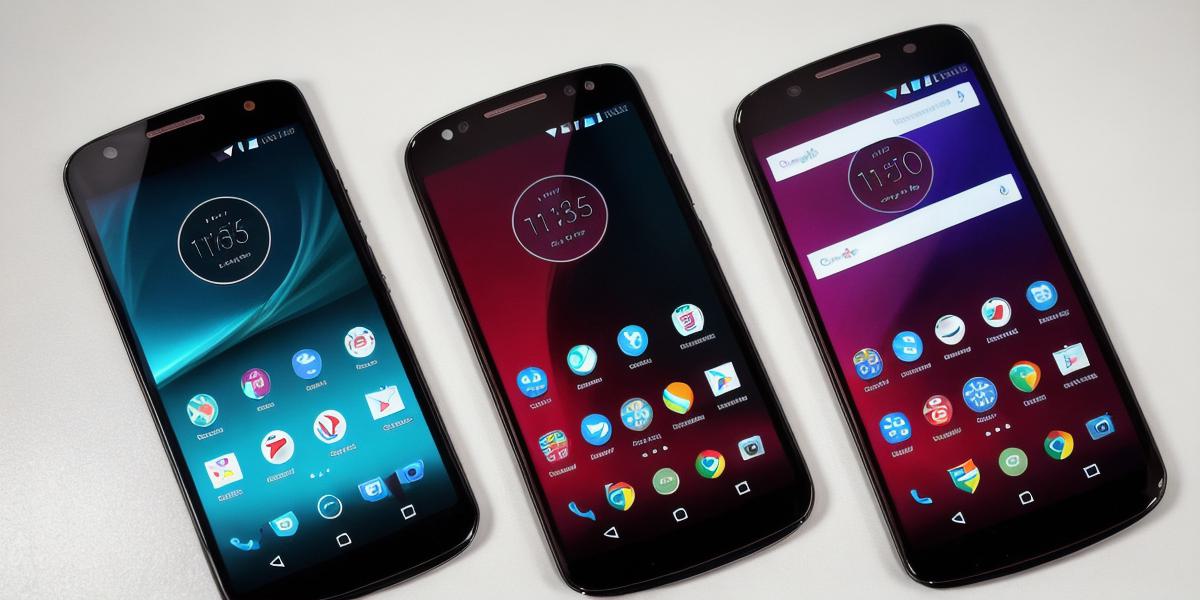
If you have been receiving unwanted calls or text messages on your Motorola Droid Turbo, you may want to consider blocking those contacts to improve your overall phone experience. In this article, we will explore the different methods of blocking contacts from calling and texting on your Motorola Droid Turbo. We will also provide tips and tricks on how to effectively block these contacts without affecting your other communication.
Blocking Contacts from Calling
There are several ways to block a contact from calling you on your Motorola Droid Turbo:
- Using the Phone Blocker App
One of the easiest ways to block a contact from calling you is by using a phone blocker app. There are many apps available on the Google Play Store that allow you to easily block individual contacts, as well as groups of contacts. Some popular options include Call Block, Hiya, and RoboKiller. These apps work by detecting incoming calls from blocked numbers and automatically sending them straight to voicemail or blocking them altogether.
- Manually Blocking a Contact
If you prefer not to use an app, you can manually block a contact from calling you. To do this, go to your phone’s contacts list, find the contact you want to block, and tap on the three dots in the top right corner of the screen. Select "Block" from the drop-down menu, and confirm that you want to block the contact.
Blocking Contacts from Texting
In addition to blocking calls, you can also prevent a contact from texting you on your Motorola Droid Turbo by following these steps:
- Using the Phone Blocker App
As mentioned earlier, many phone blocker apps also allow you to block individual contacts from sending you text messages. Simply download and install one of these apps, and follow the instructions for blocking a contact.
- Manually Blocking a Contact
If you don’t want to use an app, you can manually block a contact from texting you by going to your phone’s Messages app and finding the conversation thread with the contact you want to block. Tap on the three dots in the top right corner of the screen, select "Block," and confirm that you want to block the contact.
Tips for Effective Contact Blocking
When blocking contacts from calling or texting, it’s important to be mindful of how your actions may affect others. Here are a few tips to ensure that you are effectively blocking contacts without causing unnecessary conflict:
- Only block contacts who have truly harassed or annoyed you
Before blocking a contact, make sure that they have truly harassed or annoyed you in some way. Avoid blocking contacts simply because you don’t like them or want to avoid them. Blocking someone unnecessarily can cause hurt feelings and damage relationships.
- Communicate your decision clearly
If you do decide to block a contact, make sure that you communicate your decision clearly to them. This can help them understand why they are no longer receiving messages from you and can help to prevent any misunderstandings or conflict in the future.
3.